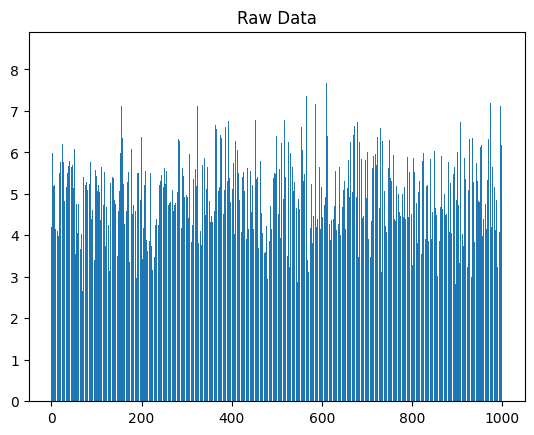
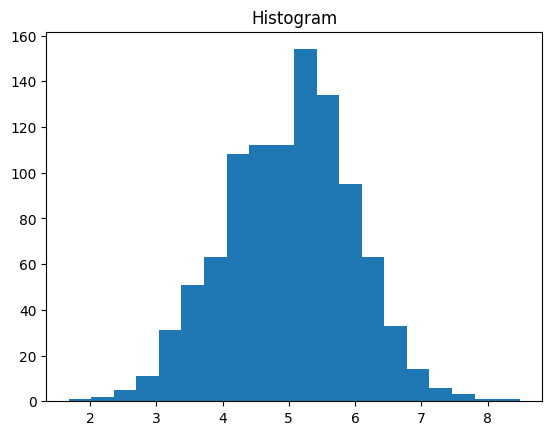
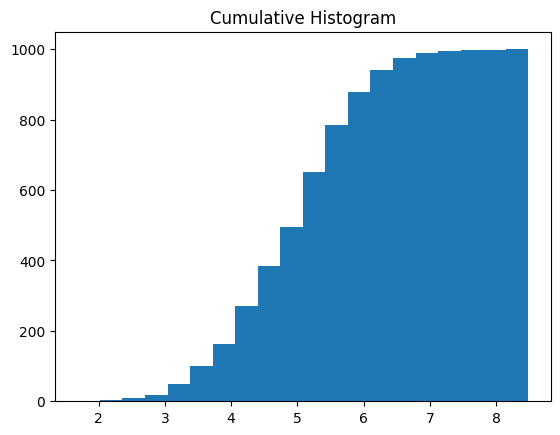
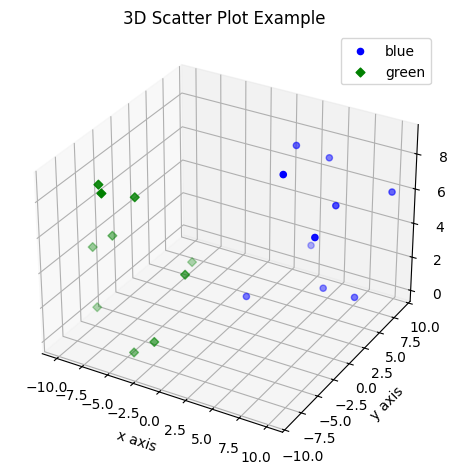
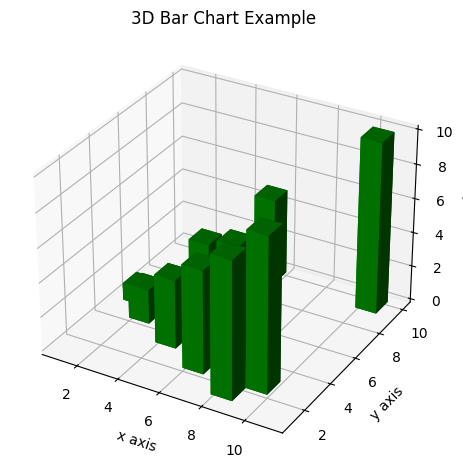
import matplotlib.pyplot as pltimport numpy as npplt.figure(figsize=(4, 2))# Use numpy to generate a bunch of random data in a bell curve around 5.n =5+ np.random.randn(1000)m = [m for m inrange(len(n))]plt.bar(m, n)plt.title("Raw Data")plt.show()plt.hist(n, bins=20)plt.title("Histogram")plt.show()plt.hist(n, cumulative=True, bins=20)plt.title("Cumulative Histogram")plt.show()
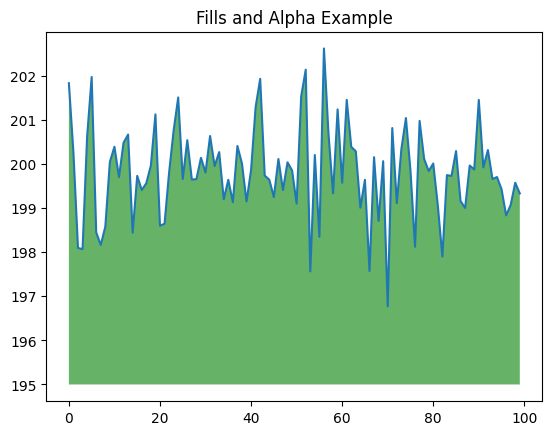
import matplotlib.pyplot as pltimport numpy as npys =200+ np.random.randn(100)x = [x for x inrange(len(ys))]plt.plot(x, ys, '-')plt.fill_between(x, ys, 195, where=(ys >195), facecolor='g', alpha=0.6)plt.title("Fills and Alpha Example")plt.show()
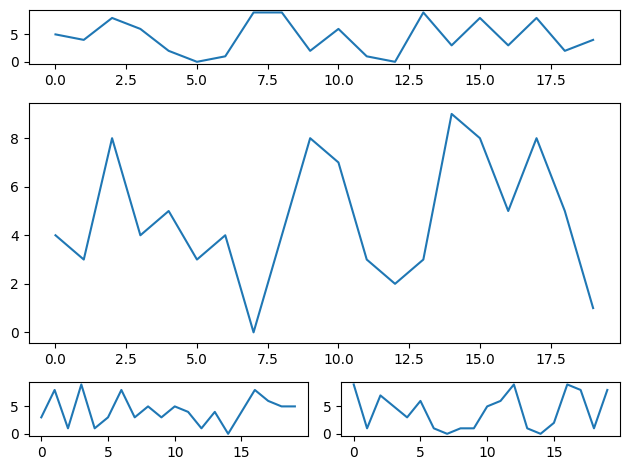
3.1.8 Subplotting using Subplot2grid
import matplotlib.pyplot as pltimport numpy as npdef random_plots(): xs = [] ys = []for i inrange(20): x = i y = np.random.randint(10) xs.append(x) ys.append(y)return xs, ysfig = plt.figure()ax1 = plt.subplot2grid((5, 2), (0, 0), rowspan=1, colspan=2)ax2 = plt.subplot2grid((5, 2), (1, 0), rowspan=3, colspan=2)ax3 = plt.subplot2grid((5, 2), (4, 0), rowspan=1, colspan=1)ax4 = plt.subplot2grid((5, 2), (4, 1), rowspan=1, colspan=1)x, y = random_plots()ax1.plot(x, y)x, y = random_plots()ax2.plot(x, y)x, y = random_plots()ax3.plot(x, y)x, y = random_plots()ax4.plot(x, y)plt.tight_layout()plt.show()
3.2 Plot styles
Colaboratory charts use Seaborn’s custom styling by default. To customize styling further please see the matplotlib docs.
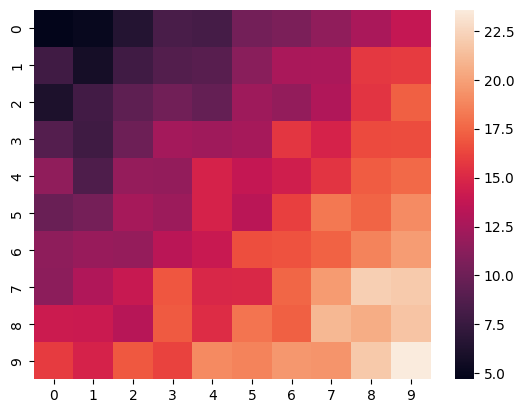
import matplotlib.pyplot as pltimport numpy as np# Make a 10 x 10 heatmap of some random dataside_length =10# Start with a 10 x 10 matrix with values randomized around 5data =5+ np.random.randn(side_length, side_length)# The next two lines make the values larger as we get closer to (9, 9)data += np.arange(side_length)data += np.reshape(np.arange(side_length), (side_length, 1))# Generate the heatmapsns.heatmap(data)plt.show()
3.5 Altair
Altair is a declarative visualization library for creating interactive visualizations in Python, and is installed and enabled in Colab by default.
For example, here is an interactive scatter plot:
!pip install vega_datasets
Collecting vega_datasets
  Using cached vega_datasets-0.9.0-py3-none-any.whl.metadata (5.5 kB)
Requirement already satisfied: pandas in c:\users\user\appdata\local\programs\python\python313\lib\site-packages (from vega_datasets) (2.3.0)
Requirement already satisfied: numpy>=1.26.0 in c:\users\user\appdata\local\programs\python\python313\lib\site-packages (from pandas->vega_datasets) (2.3.1)
Requirement already satisfied: python-dateutil>=2.8.2 in c:\users\user\appdata\local\programs\python\python313\lib\site-packages (from pandas->vega_datasets) (2.9.0.post0)
Requirement already satisfied: pytz>=2020.1 in c:\users\user\appdata\local\programs\python\python313\lib\site-packages (from pandas->vega_datasets) (2025.2)
Requirement already satisfied: tzdata>=2022.7 in c:\users\user\appdata\local\programs\python\python313\lib\site-packages (from pandas->vega_datasets) (2025.2)
Requirement already satisfied: six>=1.5 in c:\users\user\appdata\local\programs\python\python313\lib\site-packages (from python-dateutil>=2.8.2->pandas->vega_datasets) (1.17.0)
Using cached vega_datasets-0.9.0-py3-none-any.whl (210 kB)
Installing collected packages: vega_datasets
Successfully installed vega_datasets-0.9.0
import numpy as npfrom bokeh.plotting import figure, showfrom bokeh.io import output_notebook# Call once to configure Bokeh to display plots inline in the notebook.output_notebook()
Loading BokehJS ...
N =4000x = np.random.random(size=N) *100y = np.random.random(size=N) *100radii = np.random.random(size=N) *1.5colors = ["#%02x%02x%02x"% (r, g, 150) for r, g inzip(np.floor(50+2*x).astype(int), np.floor(30+2*y).astype(int))]p = figure()p.circle(x, y, radius=radii, fill_color=colors, fill_alpha=0.6, line_color=None)show(p)